Importance of Optimal WiFi Coverage

Seamless
Connectivity
Ensure every corner of your home enjoys reliable, highspeed WiFi access.

Increased
Productivity
Empower remote work, online learning, and entertainment with uninterrupted.

Enhanced
Smart Home
Ensuring every smart device is connected to the internet and optimum connectivity is provided.
Indoor Wireless
Access Point Placement Strategies
1
---------------
Strategic Positioning
Place access points in central locations to maximize coverage and minimize signal obstructions.
2
---------------
Multilevel Placement
Install access points on each floor to ensure seamless connectivity throughout the home.
3
---------------
Wireless Mesh Networking
Utilize a mesh system to extend the range and reliability of your WiFi network..
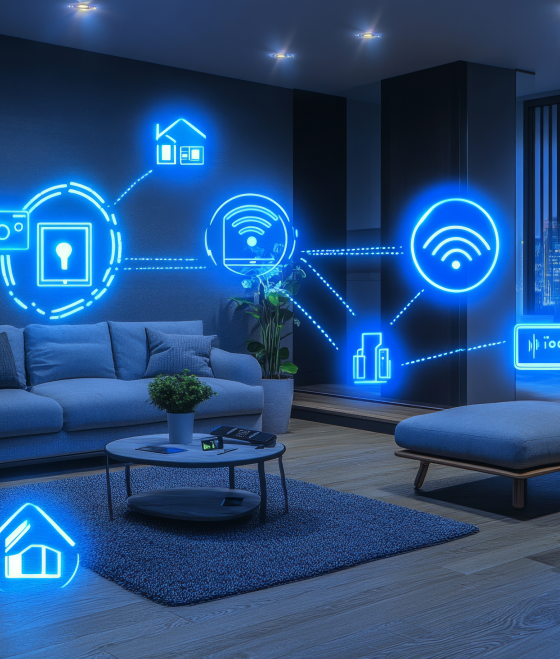
Integrating Smart Home Devices

Lighting Control
Manage your home's lighting system with voice commands or mobile app for enhanced convenience and energy efficiency.

Home Security
Integrate smart security cameras, sensors, and locks to monitor and secure your home remotely.

Climate Control
Optimize your home's temperature and humidity levels for maximum comfort and energy savings.

Appliance Integration
Remotely control and monitor your home's major appliances for improved efficiency and convenience.
Updating Cars over Outdoor WiFi
Manage your home's lighting system with voice commands or mobile app for enhanced convenience and energy efficiency.

Software Updates
Effortlessly download the latest firmware updates for your electric vehicle using the reliable outdoor WiFi connection.

Remote Management
Diagnose issues and control certain vehicle functions remotely using your home's extended wireless network.

Expanded Capabilities
Expand the capabilities of your smart car with the convenience of alwayson, high-speed outdoor connectivity
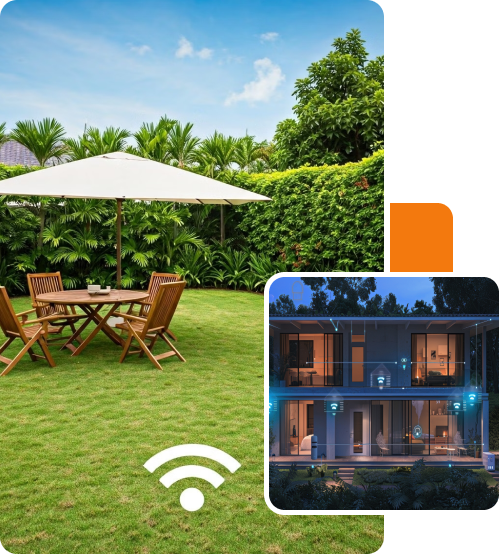
Extend Your WiFi Outdoors
Take your home connectivity beyond the walls with outdoor WiFi coverage. Enjoy seamless internet access in your backyard, patio, or driveway for enhanced productivity, entertainment, and smart home integrations.
Strategically placed outdoor access points deliver reliable, high-speed WiFi, ensuring you stay connected everywhere on your property. This provides numerous benefits for your home and lifestyle:
Enhanced Outdoor Living - Spend more time entertaining, relaxing, and enjoying your outdoor spaces with a dependable WiFi connection. Stream music, browse the web, and control smart home devices from the comfort of your patio or deck.
Improved Productivity - Whether working remotely or pursuing hobbies, outdoor WiFi lets you remain connected and productive anywhere on your property. Video calls, file sharing, and online collaboration are seamless with a strong, consistent signal.
After the work is done,
The client will receive:

A building plan that includes the locations of internet devices, cameras, and the main distribution point (Rack)
A list of required equipment
Wi-Fi device settings, including network separation, permissions, and configurations for each network
Contact us and get started with us!
Manage your home's lighting system with voice commands or mobile app for enhanced convenience and energy efficiency.

Avoiding WiFi Dead Spots and Interference

Identify Problem Areas
Conduct a comprehensive site survey to detect and address WiFi dead spots and signal interference.

Optimize Channel Selection
Choose the optimal WiFi channels to minimize overlap and interference with neighboring networks.
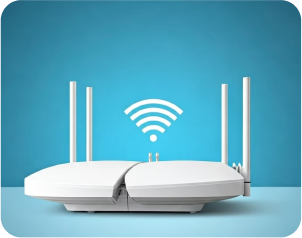
Upgrade Hardware
Replace outdated or underpowered access points with modern, high performance devices.
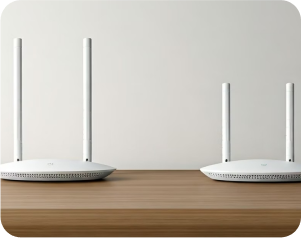
Adjust Antenna Positioning
Experiment with the orientation and placement of access point antennas to improve coverage.